Interface Gallery
This gallery gives a quick visual tour of Textum's main views and dialogs.
Home
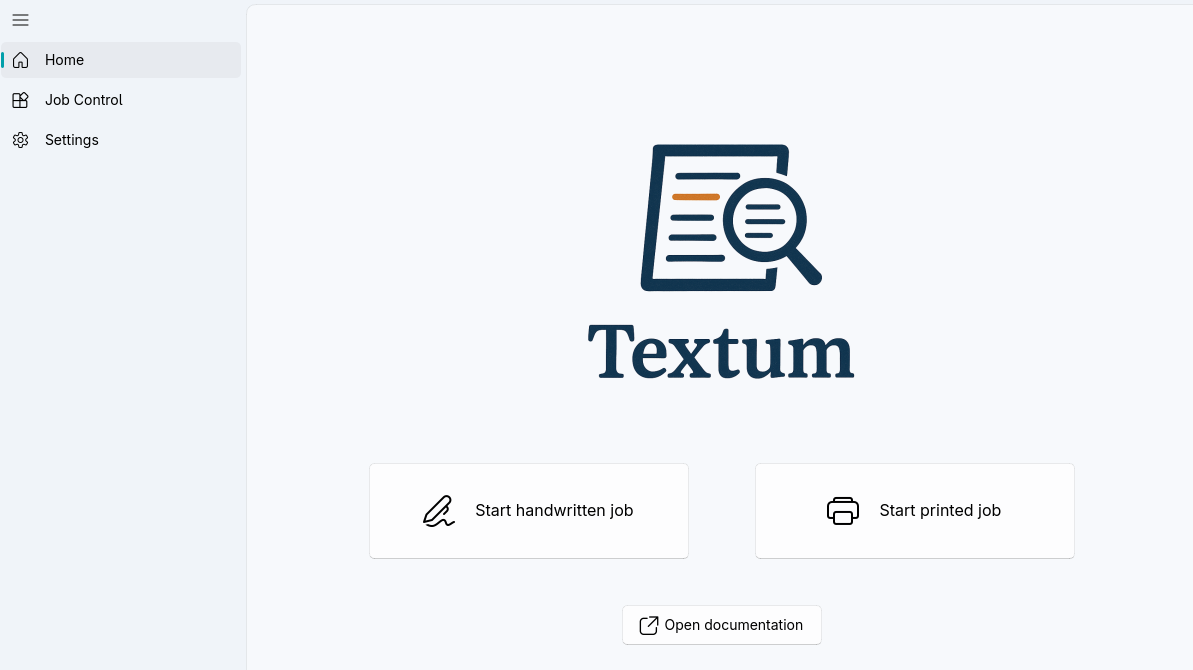 Home view for creating and configuring new recognition jobs
Job Creation
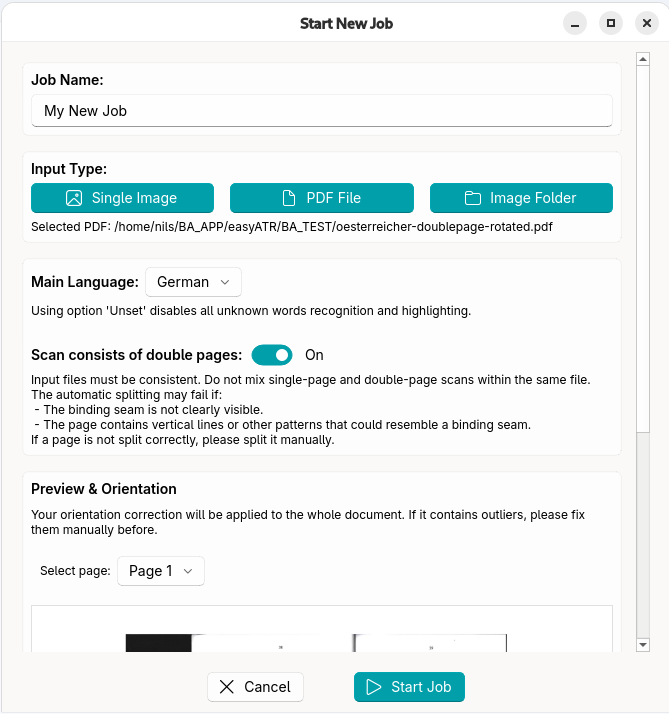 Job creation form with document source, model, and processing settings
Job Creation (continued)
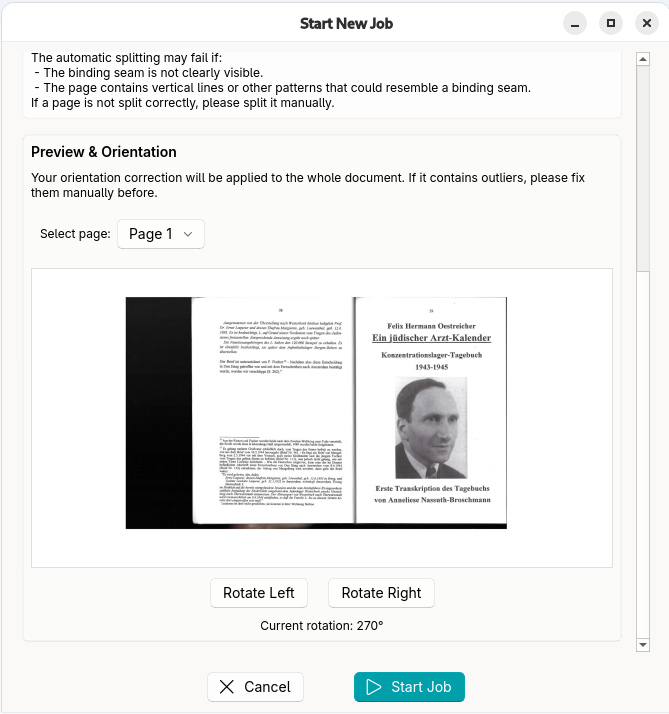 Additional job creation options for language, page splitting, and rotation
Job Control
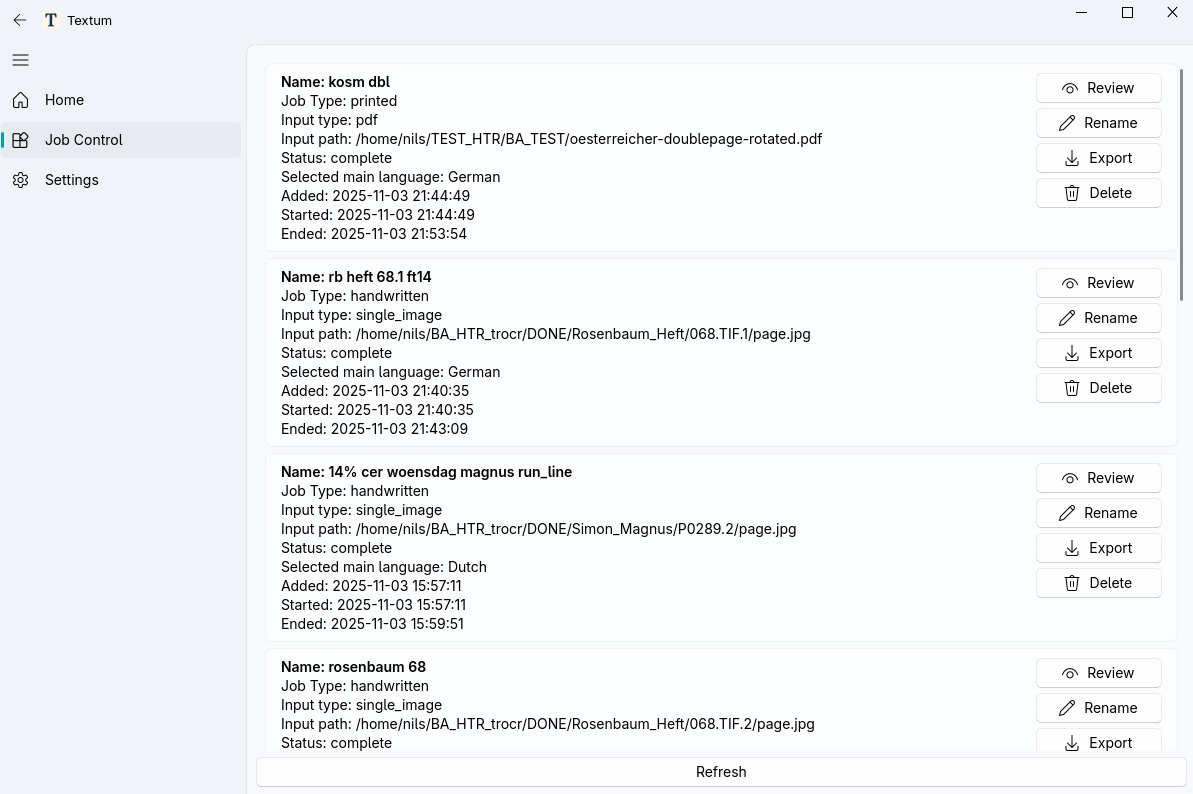 Job Control view with queue status, progress, and management actions
Running Job
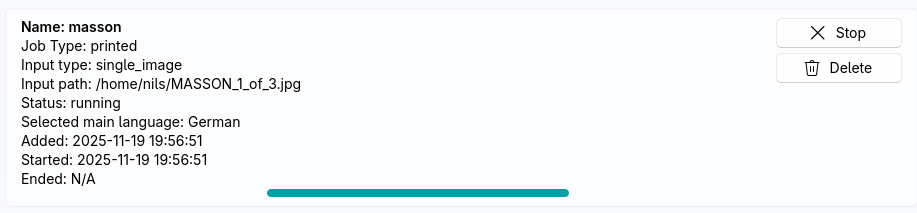 A running job with live progress indicators during OCR processing
Review Interface
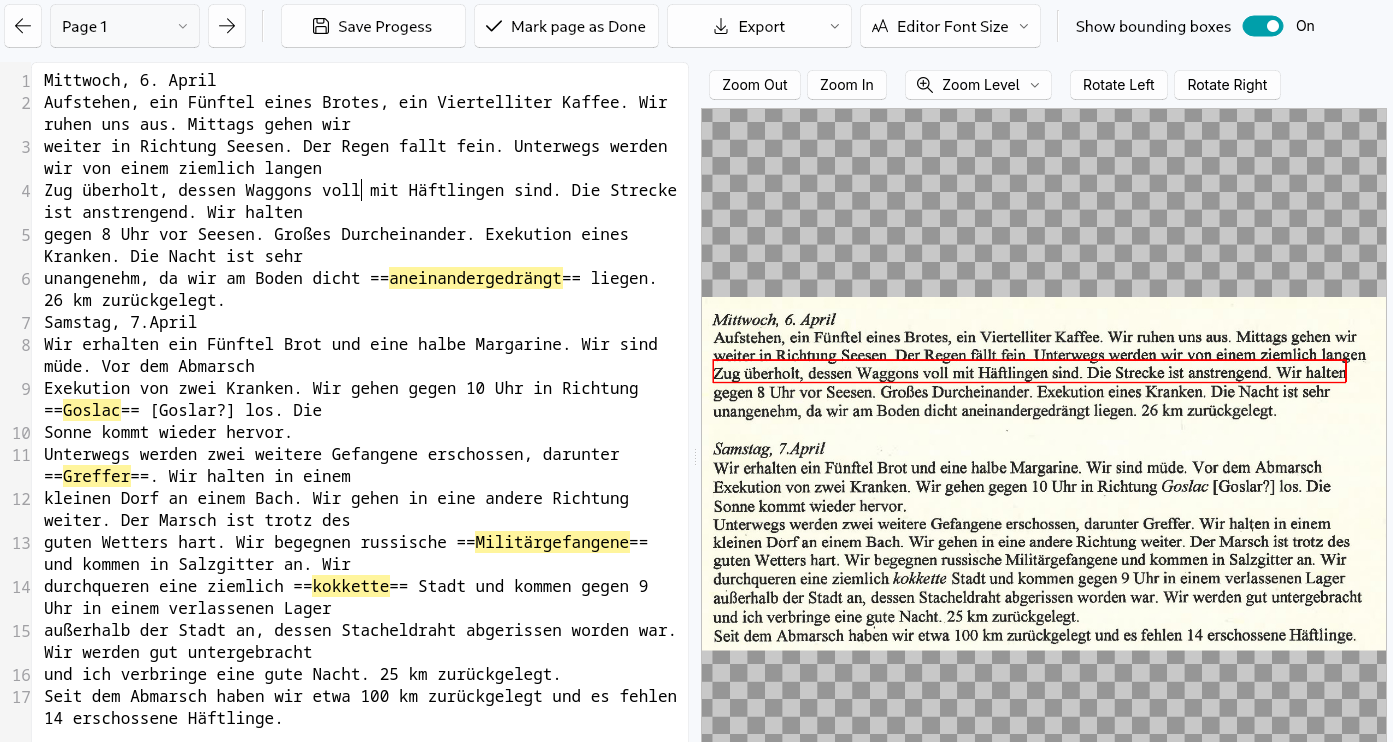 Review interface for side-by-side page verification and text correction
 Review toolbar with navigation, save, and workflow controls
Settings
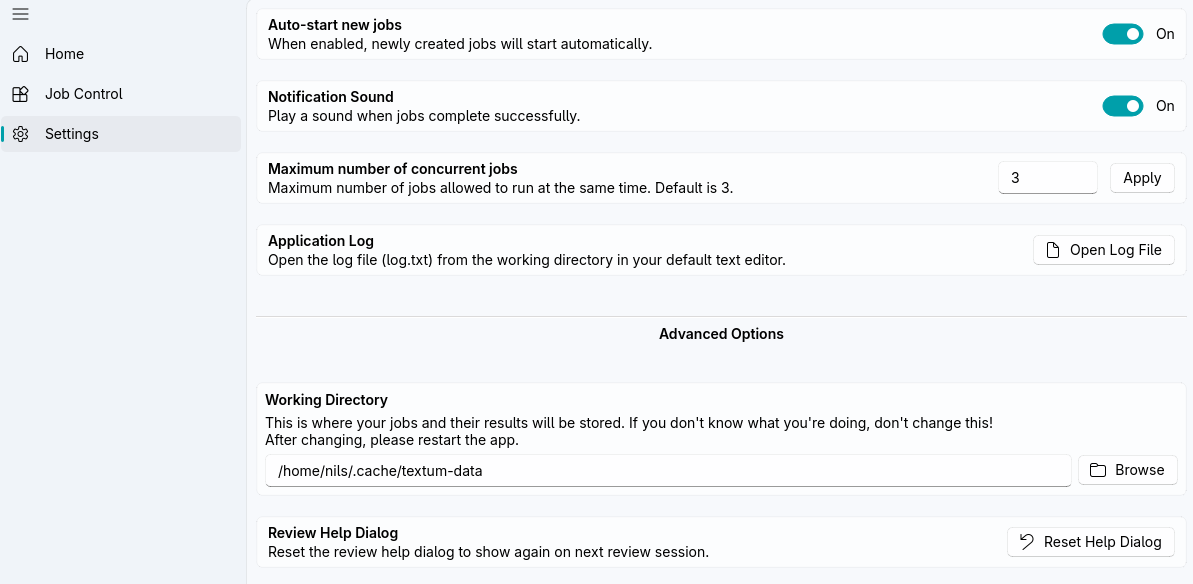 Settings view for behavior, performance, and workspace preferences
Export Picker
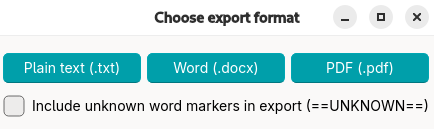
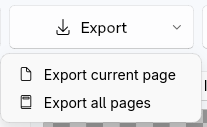 Export format picker for choosing text, DOCX, or PDF output
Export Dialog
 Export dialog for selecting destination and whether to export one page or all pages